
Bluetooth Tracker OEM / ODM
Bluetooth trackers, built for your brand.
Stellarrisetech develops and manufactures Apple Find My, Google Find Hub, dual-system, and embedded tracking products—from sample to mass production.
Apple Find My Google Find Hub Dual-System Embedded
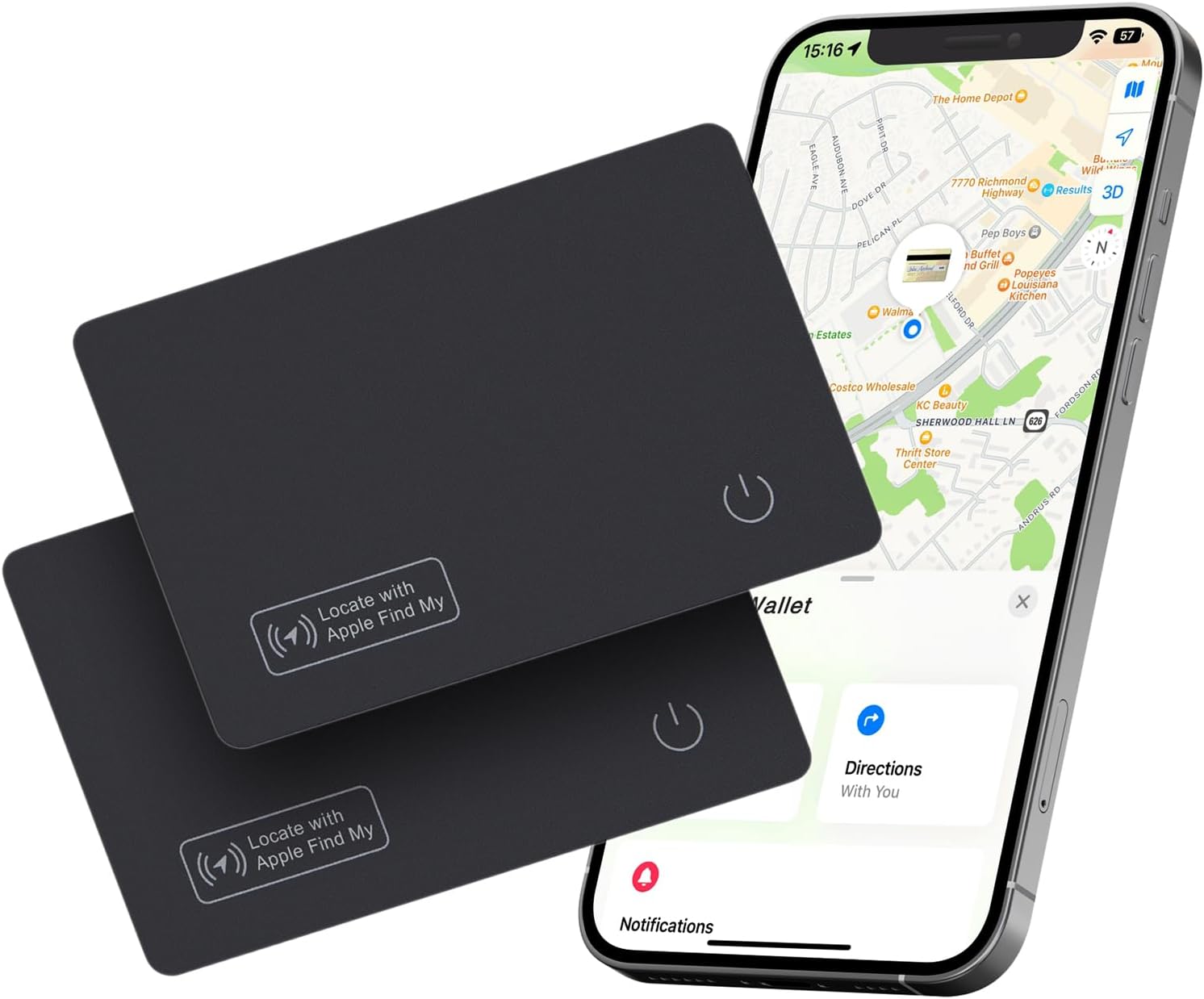
Product image · customization available
Three Ways to Start
Choose the route that fits your launch.
Start from a proven product, develop something new, or add tracking to a product you already make.
Ready-to-brand trackers
Use proven platforms with your logo, shell, packaging, and market requirements.
View OEM services →Custom tracker development
Build a new form factor with structure, firmware, tooling, testing, and production planning.
View ODM services →Tracking inside your product
Integrate Bluetooth tracking modules or boards into accessories and consumer devices.
View embedded solutions →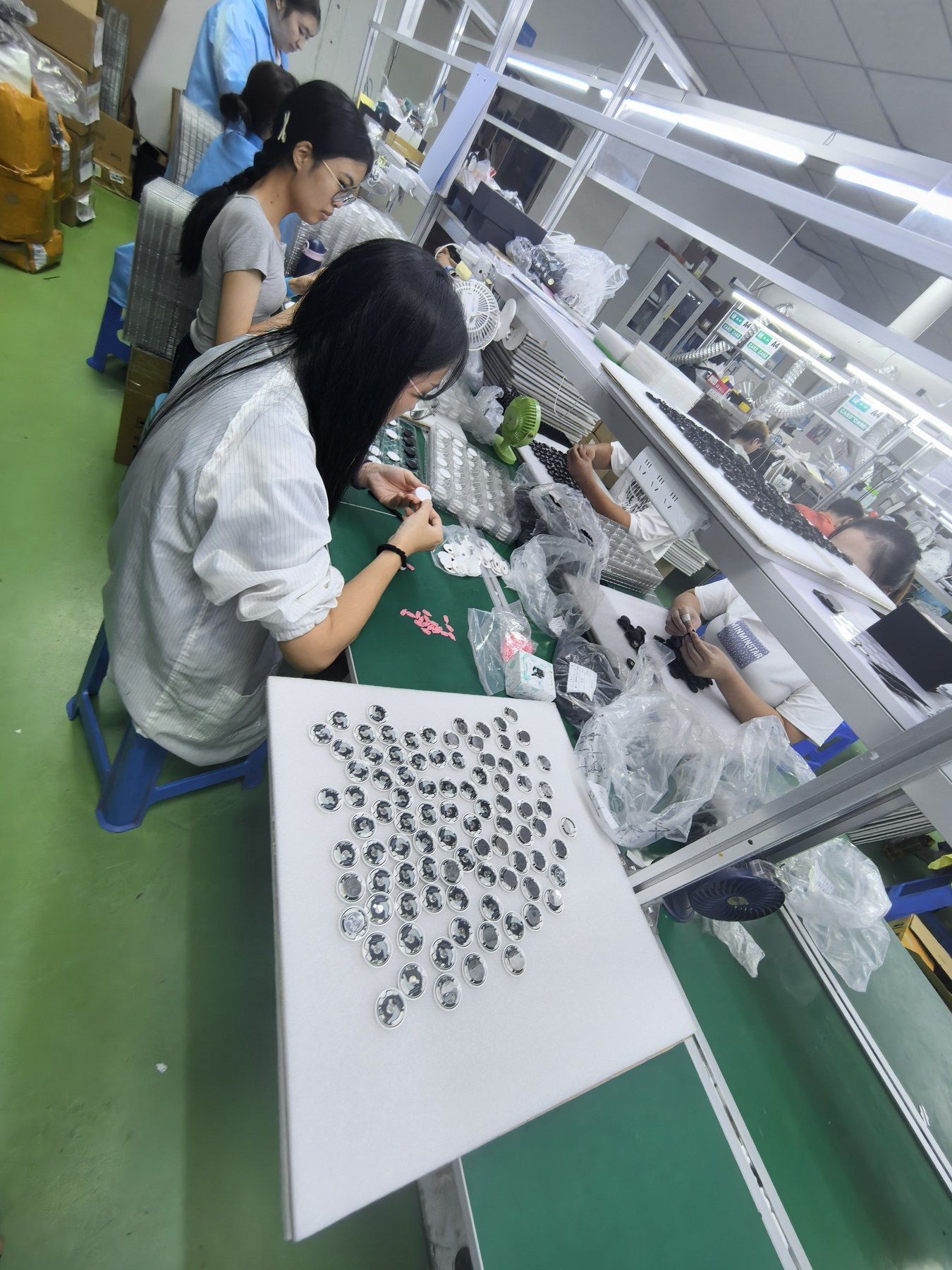
Engineering to Production
One team from product brief to repeat orders.
Keep engineering decisions, validation, manufacturing, and delivery aligned with one focused Bluetooth tracker partner.
-
01
Product-focused engineeringStructure, firmware, acoustic, battery, range, and user experience.
-
02
Controlled manufacturingSMT, assembly, testing, packing, and quality-control planning.
-
03
Clear project handoffA practical route from sample approval to stable mass production.
Have a tracker project in mind?
Share the target market, product type, quantity, and customization scope. We will help you choose the clearest route.